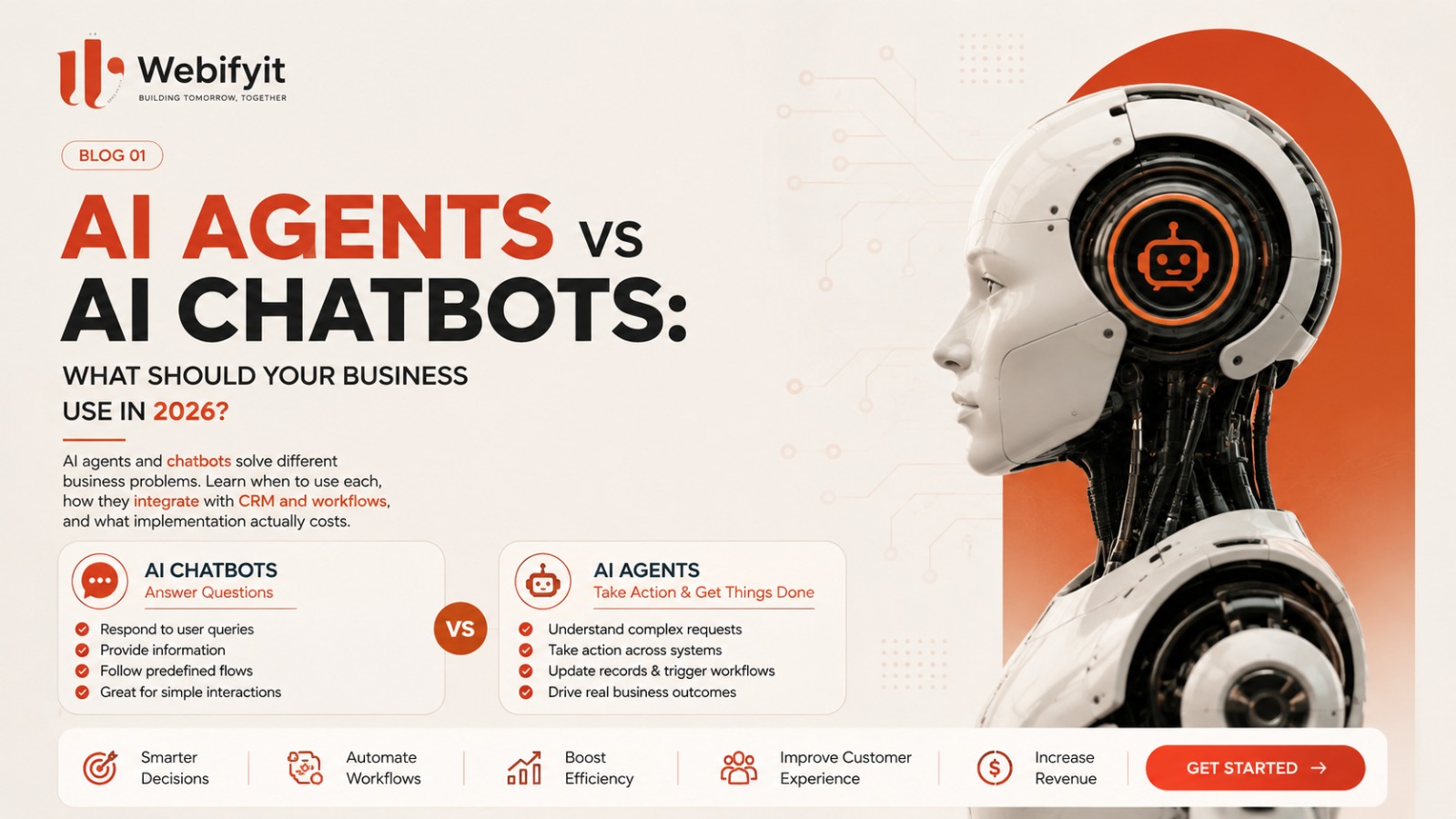
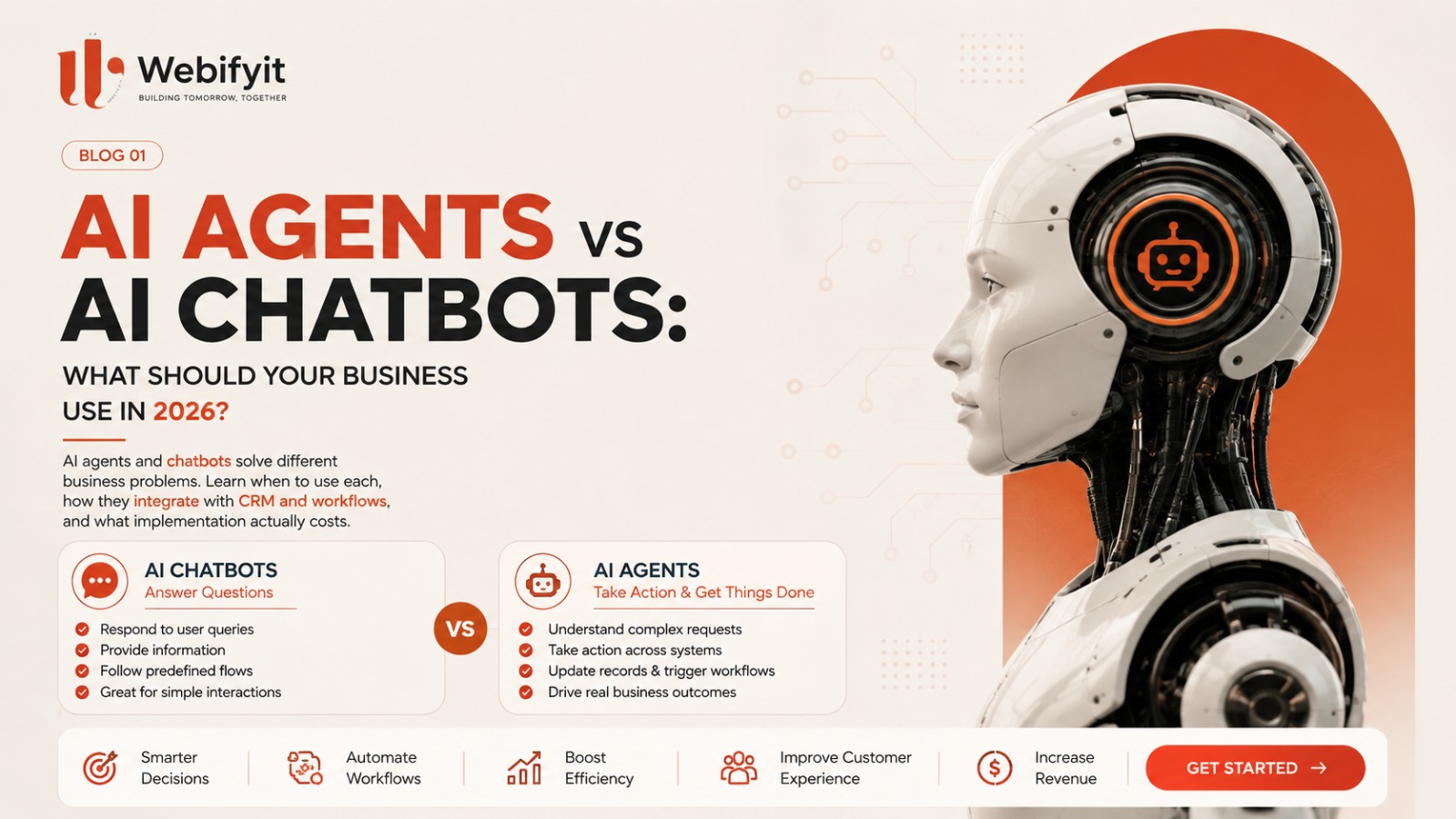
AI has moved quickly from simple chat interfaces to systems that can understand information, use tools, connect to business software and perform multi-step tasks.
That creates a problem for business owners.
You hear:
- AI chatbot
- AI assistant
- AI agent
- AI automation
- Agentic AI
- AI voice agent
And they can all sound like the same thing.
They are not.
The important question for a business in 2026 is not:
“Should we use AI?”
It is:
“Where can AI actually do useful work inside our business?”
That distinction can save a company thousands of dollars in unnecessary development and, more importantly, help it build something that employees and customers will actually use.
The simplest way to understand the difference
Think about a normal chatbot as a conversation layer.
A customer asks:
“What are your opening hours?”
The chatbot answers.
A customer asks:
“Do you offer delivery?”
The chatbot answers.
That's useful.
But an AI agent can potentially go much further.
A customer says:
“I need 500 units delivered next Friday. Can you check availability and send me a quotation?”
An agent-based system could potentially:
- Understand the request.
- Identify the product.
- Check available inventory.
- Query the relevant business system.
- Calculate or retrieve pricing.
- Generate a quotation.
- Update the CRM.
- Notify the salesperson.
- Send the customer the next step.
The important difference is not simply that the second system is “smarter.”
It is that it can be connected to tools, data and business actions.
What is an AI chatbot?
An AI chatbot is primarily designed to communicate with users through conversation.
It can be connected to a knowledge base or business information and can answer questions, guide users and sometimes perform limited actions.
Common examples include:
Customer support
“Where is my order?”
Sales
“What products do you offer?”
Hospitality
“Can I book a room for Friday?”
Internal support
“How do I submit an expense?”
Website assistance
“What services does your company provide?”
For many businesses, this is enough.
A company does not need an autonomous AI agent simply because AI agents are trending.
Sometimes a good chatbot is the better solution.
What is an AI agent?
An AI agent is better understood as an AI-driven system that can work toward a goal using tools, data and actions.
Instead of only answering:
“What should I do?”
the system can potentially:
understand the goal → decide what information it needs → use connected tools → perform actions → evaluate the result → continue or escalate.
For example:
Traditional chatbot
Customer:
“I want a demo.”
Bot:
“Sure. Here's our booking link.”
Agent-powered workflow
Customer:
“I want a demo next Tuesday afternoon.”
Agent:
→ checks calendar → checks availability → identifies timezone → books a suitable slot → creates/updates CRM record → sends confirmation → notifies the salesperson
The second workflow is closer to an AI worker inside a business process than a simple chat interface.
Chatbot vs AI Agent
| Capability | AI Chatbot | AI Agent |
|---|---|---|
| Answer questions | ✓ | ✓ |
| Understand natural language | ✓ | ✓ |
| Use company knowledge | ✓ | ✓ |
| Maintain conversation context | ✓ | ✓ |
| Access APIs | Sometimes | ✓ |
| Use multiple tools | Limited | ✓ |
| Perform business actions | Limited | ✓ |
| Make multi-step decisions | Limited | ✓ |
| Update CRM/ERP | Sometimes | ✓ |
| Trigger workflows | Sometimes | ✓ |
| Human escalation | ✓ | ✓ |
| Autonomous execution | Usually limited | Potentially much higher |
The exact capabilities depend on how the system is designed. Calling something an “agent” does not automatically make it autonomous or reliable.
The real opportunity is not the chatbot or the agent
This is where many businesses get the strategy wrong.
They buy an AI chatbot.
Then discover:
The chatbot isn't connected to the CRM.
Or:
It can't access inventory.
Or:
It can't create an order.
Or:
Nobody knows what happens when the model gives the wrong answer.
The real value comes from the system around the AI.
A useful architecture might look like:
Customer
↓
AI interface
↓
Business logic
↓
CRM / ERP / Database / API
↓
Action
↓
Human approval when required
That is where AI starts becoming part of the business rather than another tool sitting beside it.
7 practical business examples
1. Lead qualification
A lead comes through the website.
The AI asks:
- What service do you need?
- What is your company size?
- What is your expected timeline?
- What problem are you trying to solve?
The system can then:
→ score the lead → create the CRM record → notify sales → schedule follow-up
The important outcome isn't:
“We installed an AI chatbot.”
It is:
“Sales receives better-qualified leads without manually handling every initial conversation.”
2. Customer support
Instead of replacing an entire support team, AI can handle repetitive requests.
For example:
“Where is my order?”
“How do I reset my account?”
“Can I change my booking?”
The AI handles straightforward requests and escalates unusual or sensitive cases to people.
That creates a much more realistic human + AI model.
3. Sales follow-up
Suppose a company receives 200 enquiries every month.
Some receive immediate follow-up.
Some receive it two days later.
Some are forgotten.
An AI workflow can identify unanswered leads and trigger the appropriate follow-up.
The technology might look like:
Website → AI → CRM → WhatsApp/email → salesperson
Again, the value isn't the AI itself.
The value is:
fewer opportunities falling through the cracks.
4. Internal business assistant
An employee asks:
“Which orders are delayed?”
Instead of searching through multiple systems, an AI assistant could retrieve the relevant information.
A manager might ask:
“Which customers haven't ordered in the last 90 days?”
Or:
“Which invoices are overdue?”
Or:
“Which products had the highest return rate this month?”
This is where AI becomes particularly powerful when connected to structured business data.
5. AI voice agents
Voice is particularly interesting when a business receives a large number of repetitive calls.
Potential use cases include:
appointment booking
lead qualification
missed-call recovery
order status
basic customer support
sales follow-up
candidate screening
collections
But a voice agent should not automatically be given every conversation.
A good implementation defines:
what AI handles
what requires human approval
when the call is escalated
what information gets stored
what happens when the AI is uncertain
6. Manufacturing
Imagine a manufacturing company receiving enquiries through:
phone
website
IndiaMART
Instead of a salesperson manually collecting every requirement, an AI system could gather:
Product Quantity Specification Location Required date
Then:
→ qualify the enquiry → create a CRM record → notify sales → generate a quotation workflow → schedule follow-up
The factory isn't buying an “AI chatbot.”
It is buying a better sales process.
7. Recruitment
A recruitment company might use AI to:
→ collect candidate information → screen against predefined criteria → summarize profiles → schedule interviews → update the CRM → send follow-ups
Again, the technology is useful because it is attached to a workflow.
So which one should your business use?
There is no universal answer.
Use a chatbot when:
- Customers mainly need information.
- Questions are relatively predictable.
- You don't need many external actions.
- The goal is support, guidance or basic sales assistance.
- A simple implementation solves the problem.
Use an AI agent when:
- The workflow requires multiple steps.
- The AI needs access to business systems.
- The AI needs to make decisions within defined boundaries.
- The system needs to perform actions.
- There is enough repetitive work to justify automation.
Use a traditional automation workflow when:
- The process is completely predictable.
- There is little ambiguity.
- You don't actually need an AI model.
This last point is important.
Sometimes the best automation is not AI.
If:
Order received → create invoice → send email
is the whole workflow, you may not need an AI agent.
A normal deterministic automation can be cheaper, more predictable and easier to maintain.
The mistake businesses are making in 2026
The biggest mistake is starting with:
“Where can we add AI?”
Start with:
“Where are people spending time doing repetitive work?”
Then ask:
Is the task repetitive?
Is there enough volume?
Does it require judgement?
Does it involve existing data?
Does it need to take an action?
What happens when the AI is wrong?
What should remain with a human?
Those questions lead to much better implementations.
Start small instead of building an “AI employee”
The current market is full of ambitious claims about autonomous AI agents.
But enterprise adoption is still far ahead of true production maturity. Forrester's 2026 research found that while three-quarters of enterprise leaders report adopting agentic AI, only a small minority have meaningful production deployments beyond basic or “agentish” chatbot experiences.
That is why we recommend a different approach at Webifyit:
Start with one workflow.
For example:
Lead qualification
Then measure:
- Leads processed
- Response time
- Qualified leads
- Human intervention
- Conversion
- Cost per interaction
If the results are good:
Expand.
Don't start by trying to automate the entire company.
What does a real AI implementation look like?
A mature implementation is usually more than an LLM prompt.
It can involve:
AI model
Business rules
Database
APIs
CRM/ERP
Authentication
Monitoring
Human approval
Logging
Fallbacks
For higher-risk workflows, you also need appropriate security, access control and governance.
That's why an AI implementation project is often closer to software engineering + workflow design than simply “connecting ChatGPT.”
The AI agent maturity ladder
One useful way to think about your journey is:
Level 1 — AI Assistant
Answers questions.
Level 2 — AI with company knowledge
Uses internal documents/data.
Level 3 — AI with tools
Can interact with APIs and systems.
Level 4 — AI workflow
Can complete multiple steps.
Level 5 — AI agent
Can pursue a defined objective within controlled boundaries.
Level 6 — Multi-agent system
Multiple specialized agents coordinate through an orchestration layer.
Most businesses do not need Level 6.
Many can get significant value from Levels 2–4.
What should you build first?
Ask three questions:
1. What process happens frequently?
If it happens five times a year, automation probably isn't your first priority.
If it happens 5,000 times a month, pay attention.
2. What process is expensive?
If employees spend hundreds of hours every month on repetitive work, automation becomes interesting.
3. What process directly affects revenue?
Examples:
lead response
sales qualification
follow-up
booking
customer retention
These are often more commercially attractive than automating something nobody cares about.
AI should not be measured by how impressive the demo looks
The wrong metric:
“Our AI agent sounds really human.”
The better metrics:
hours saved
response time
conversion rate
cost per interaction
leads recovered
tickets resolved
revenue influenced
human interventions
error rate
customer satisfaction
This is how you determine whether an AI project should survive beyond the demo stage.
So… chatbot or agent?
Here's the simplest framework:
Need answers?
Start with a chatbot.
Need answers + company knowledge?
Add retrieval/knowledge.
Need the AI to use systems?
Add tools/APIs.
Need it to execute a multi-step workflow?
Build an agent/workflow.
Need predictable logic only?
Use normal automation instead of AI.
Need humans involved for important decisions?
Build human-in-the-loop controls.
What businesses should actually do in 2026
AI adoption is moving beyond experiments, but the practical challenge is integration.
The opportunity isn't simply putting an AI interface on a website.
It is:
connecting intelligence to the systems where work already happens.
That's where we believe the next generation of useful business AI will be built.
How Webifyit approaches AI implementation
At Webifyit, we don't start by asking:
“Which AI model should we use?”
We start with:
What problem are we solving?
Then:
What workflow are we changing?
Then:
What data and systems are involved?
Then:
What should AI handle?
Then:
What should humans handle?
Finally:
What is the smallest version we can deploy and measure?
That approach helps avoid building impressive AI demos that never become useful business systems.
Final takeaway
A chatbot is primarily a conversation interface.
An AI agent can become a workflow participant that reasons within a defined scope, uses tools and performs actions.
But neither is automatically the right answer.
The best AI system is the one that solves a specific business problem with measurable value.
Sometimes that's a chatbot.
Sometimes it's an agent.
Sometimes it's a simple automation with no AI at all.
And sometimes the best solution is a combination of all three.
Start with the workflow. Choose the technology second.
Want to find the right AI use case for your business?
Webifyit helps businesses identify, design and build practical AI automation—from AI assistants and agents to CRM/API integrations, voice workflows and custom business software.
Talk to Webifyit about your workflow →
Sources & further reading
- Forrester — The State of Agentic AI in 2026
- Google Search Central — AI Features and Your Website
- Google Search Central — A new resource for optimizing for generative AI in Google Search
- OpenAI — Introducing ChatGPT Search